AdGuard Home Network Setup on Raspberry Pi 5
Overview
Instead of relying on ISP-provided DNS with no privacy guarantees, I self-hosted AdGuard Home on a Raspberry Pi 5 as a network-wide DNS resolver and ad blocker. It filters tracking, malware, and phishing domains for every device on my private network, no configuration needed per device.
Setup Summary
Configuration Details
AdGuard Home Installation
Installed AdGuard Home directly on Raspberry Pi OS Lite. It runs as a local DNS resolver, handling all requests from devices connected to my Tailscale network.
Cloudflare Tunnel Integration
Configured a Cloudflare Tunnel to securely expose the AdGuard Home dashboard without opening local ports or using port forwarding. Encrypted, authenticated access through a Cloudflare-managed domain.
Tailscale Network Setup
Integrated Tailscale to create a private peer-to-peer network between my VPS and personal devices. The Raspberry Pi is set as the DNS server for all Tailscale nodes, so every DNS query routes securely through AdGuard Home.
DNS Filtering & Customization
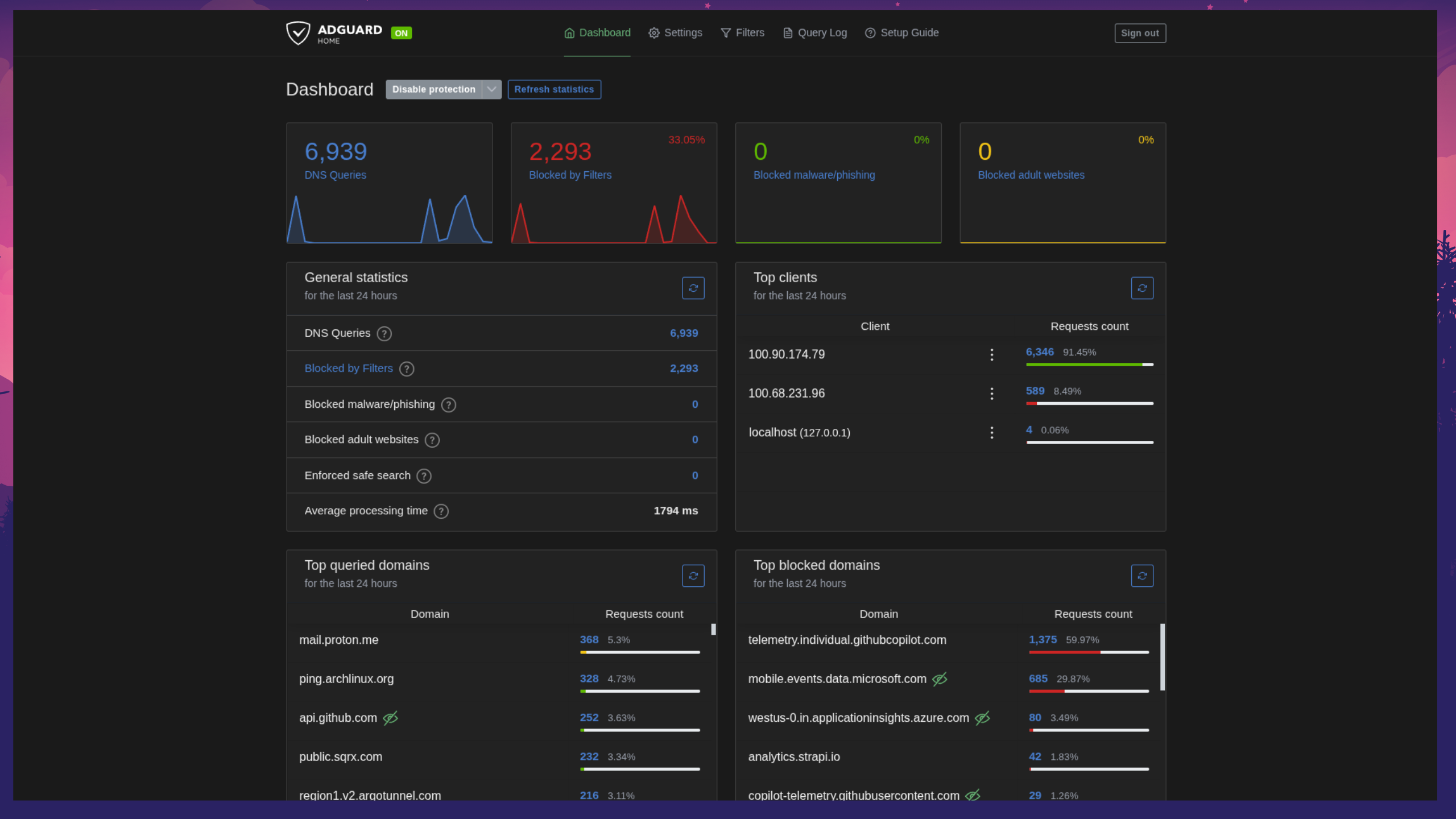
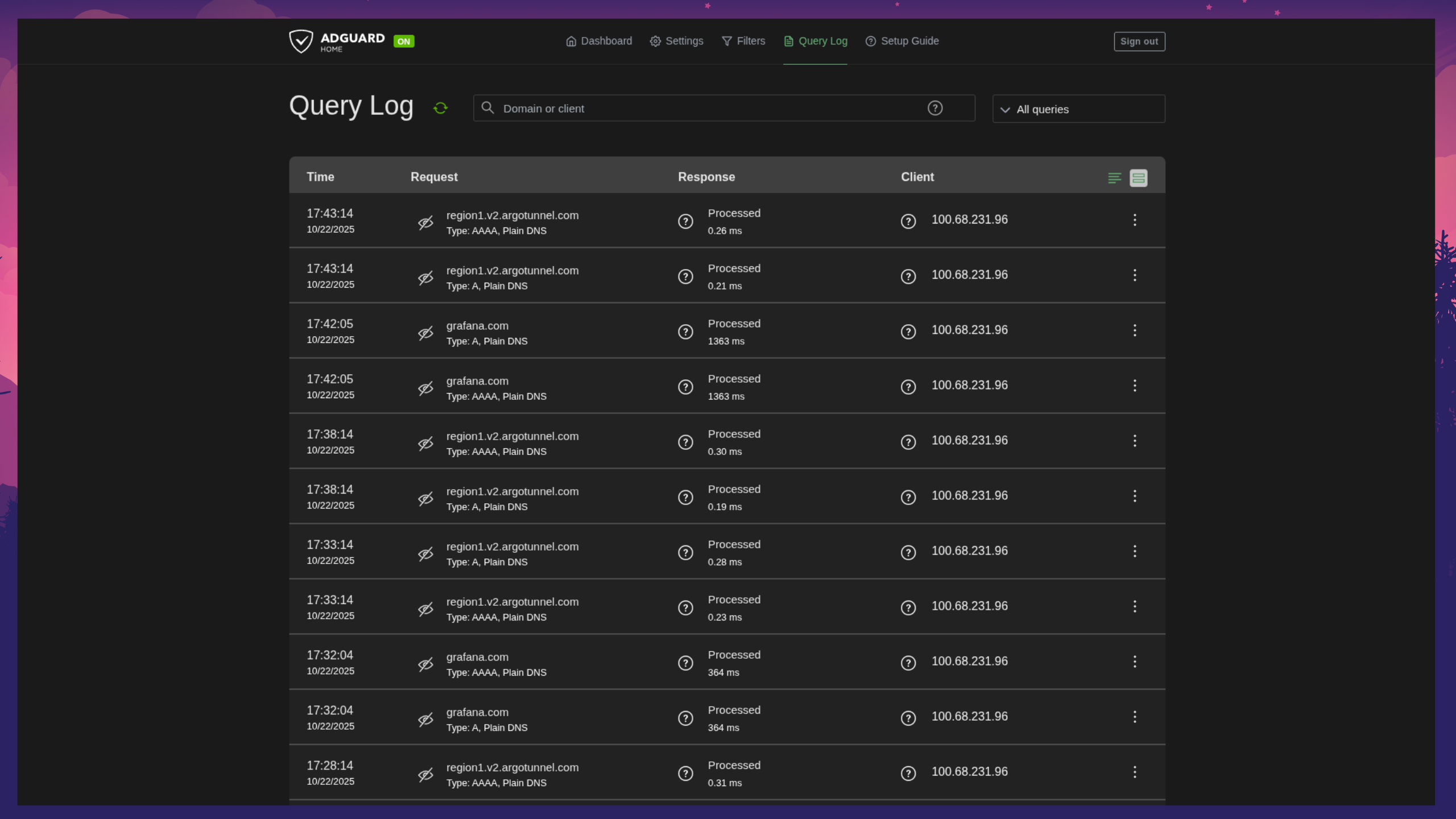
Enabled multiple filter lists including AdGuard default, OISD, and phishing protection. Custom rules added to block telemetry and tracking domains. DNS logs and query statistics enabled for real-time monitoring.
Performance & Monitoring
Handles multiple concurrent clients with minimal latency on the Raspberry Pi 5. Cloudflare Tunnel ensures secure access from anywhere while Tailscale keeps all traffic private and authenticated.
Benefits
Network-wide ad blocking across all connected devices
Protection against phishing, tracking, and malicious sites
No port forwarding or public exposure
Private, encrypted connectivity via Tailscale
Centralized monitoring of DNS queries and filter activity