Nextcloud – Self-Hosted Cloud Storage on Raspberry Pi 5
Overview
Instead of trusting third-party cloud services with personal files, I set up Nextcloud on a Raspberry Pi 5 as a fully private alternative. It handles file storage, sync, and remote access across all my devices, no subscriptions, no data leaving my control.
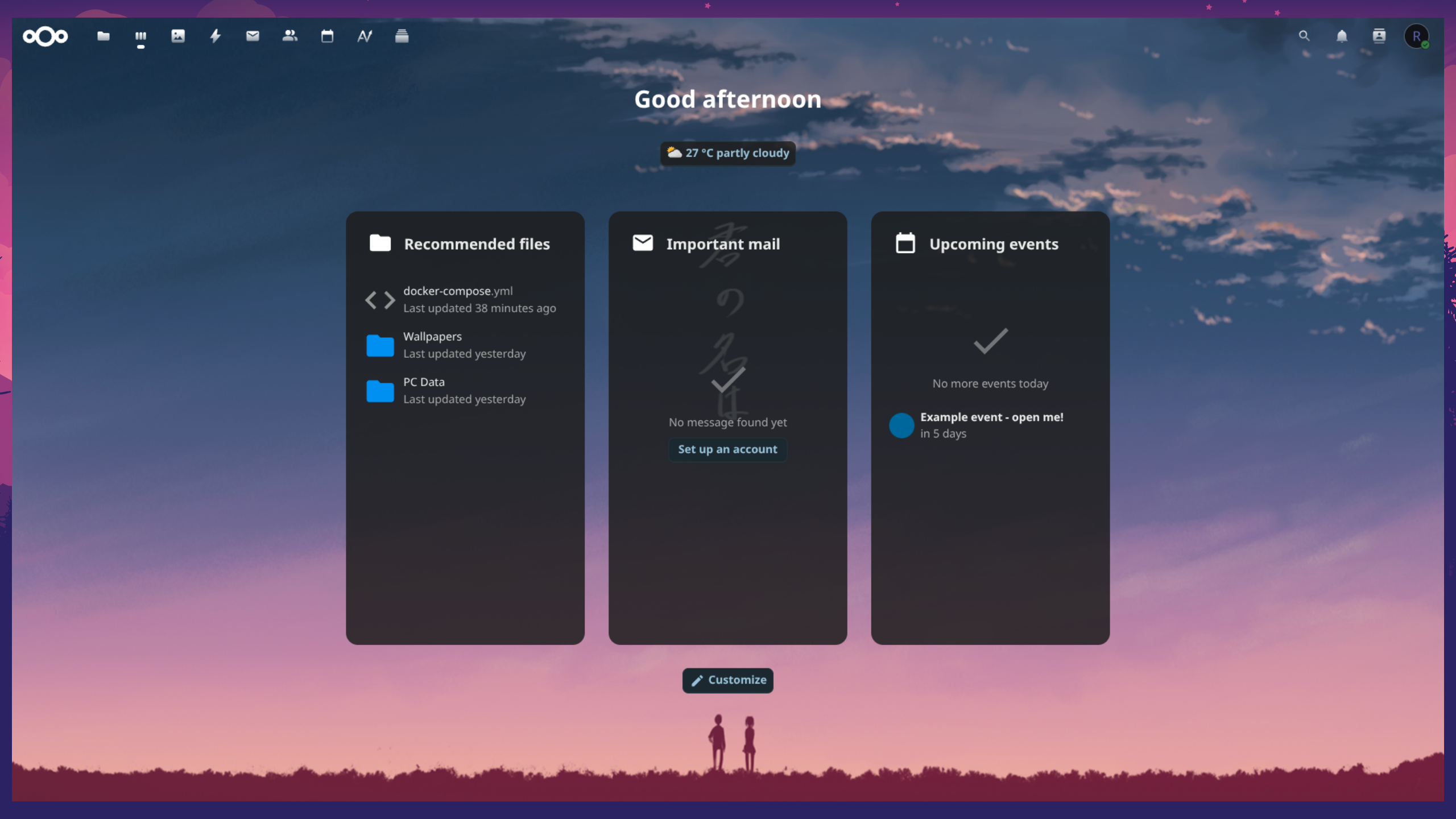
Setup Summary
Configuration Details
Nextcloud Deployment
Deployed Nextcloud and MariaDB containers using Docker Compose for modular, reproducible setup and simplified management on the Raspberry Pi 5.
Cloudflared Tunnel Integration
Configured a Cloudflare Tunnel to securely expose the Nextcloud web interface without opening local ports or using port forwarding. All external access is encrypted and authenticated through Cloudflare.
Two-Factor Authentication
Enabled 2FA for all user accounts to enhance security for remote logins.
System Optimization
Tuned PHP and database parameters to improve responsiveness and stability on limited hardware (4 GB RAM).
Tailscale Network
Integrated with Tailscale for private remote access within a peer-to-peer network, ensuring secure connectivity between personal devices.